WebAPI Document - GUIソリューション - チュートリアル
- 区間時刻表
2区間の時刻表を表示します。 空路、および、海路の場合は区間名を指定します。 バスの場合はバス停を2箇所指定します。 鉄道の場合は探索結果のシリアライズデータを利用します。 なお、空路、および、海路の場合は方向の指定も必要です。
インクルード
<script type="text/javascript" src="expGuiSectionTimeTable.js?key=keycode"></script>
<link class="css" rel="stylesheet" type="text/css" href="expCss/expGuiSectionTimeTable.css">
サンプルコード1
<html>
  <head>
    <meta http-equiv="Content-Type" content="text/html; charset=shift_jis" />
    <title>
    Webサービスサンプル
    </title>
    <link class="css" rel="stylesheet" type="text/css" href="expCss/expGuiSectionTimeTable.css">
    <script type="text/javascript" src="expGuiSectionTimeTable.js?key=keycode">
    </script>
    <script type="text/javascript">
      <!--
var sectionTimeTable;
/*
 * パーツを初期化
 */
function init(){
  // 区間時刻表
  sectionTimeTable = new expGuiSectionTimeTable(document.getElementById("sectionTimetable"))
  sectionTimeTable.dispPlaneTimetable("空路(東京-千歳)",true,resultSectionTimeTable);
}
/*
 * 時刻表取得ののコールバック
 */
function resultSectionTimeTable(isSuccess){
  if(!isSuccess){
    alert("時刻表が取得できませんでした");
  }
}
// -->
    </script>
  </head>
  <body onLoad="Javascript:init();">
    <div id="sectionTimetable">
    </div>
  </body>
</html>
サンプルコード2
<html>
  <head>
    <meta http-equiv="Content-Type" content="text/html; charset=shift_jis" />
    <title>
    Webサービスサンプル
    </title>
    <link class="css" rel="stylesheet" type="text/css" href="expCss/expGuiCourse.css">
    <link class="css" rel="stylesheet" type="text/css" href="expCss/expGuiSectionTimeTable.css">
    <script type="text/javascript" src="expGuiSectionTimeTable.js?key=keycode">
    </script>
    <script type="text/javascript" src="expGuiCourse.js?key=keycode">
    </script>
    <script type="text/javascript">
      <!--
var courseSectionTimeTable;// 区間時刻表パーツ
var resultApp;//経路表示パーツ
/*
 * パーツを初期化
 */
function init(){
  // 区間時刻表
  courseSectionTimeTable = new expGuiSectionTimeTable(document.getElementById("sectionTimetable"));
  // 経路探索
  resultApp = new expGuiCourse(document.getElementById("course"));
  // 探索条件を設定
  var searchObject = resultApp.createSearchInterface();
  // 発着地を設定
  searchObject.setViaList("高円寺:銀座");
  // 時刻表へのリンクを設定
  var sectionTimeTableMenu = new resultApp.menu("区間時刻表",lineSectionTimeTable,resultApp.TYPE_TRAIN);
  resultApp.addLineMenu(sectionTimeTableMenu);
  // 探索実行
  resultApp.search(searchObject,setResult);
}
/*
 * 経路探索のコールバック
 */
function setResult(isSuccess){
  if(!isSuccess){
    alert("探索結果が取得できませんでした");
  }
}
/*
 * 区間時刻表の表示
 */
function lineSectionTimeTable(sectionIndex){
  // 区間時刻表を表示
  document.getElementById("sectionTimetable").style.display = 'block';
  courseSectionTimeTable.dispRailTimetable(resultApp.getSerializeData(),sectionIndex,resultTimeTable);
}
/*
 * 時刻表取得時のコールバック関数
 */
function resultTimeTable(isSuccess){
  if(!isSuccess){
    alert("時刻表が取得できませんでした");
  }
}
// -->
    </script>
  </head>
  <body onLoad="Javascript:init();">
    <div id="course">
    </div>
    <div id="sectionTimetable" style="display:none;">
    </div>
  </body>
</html>
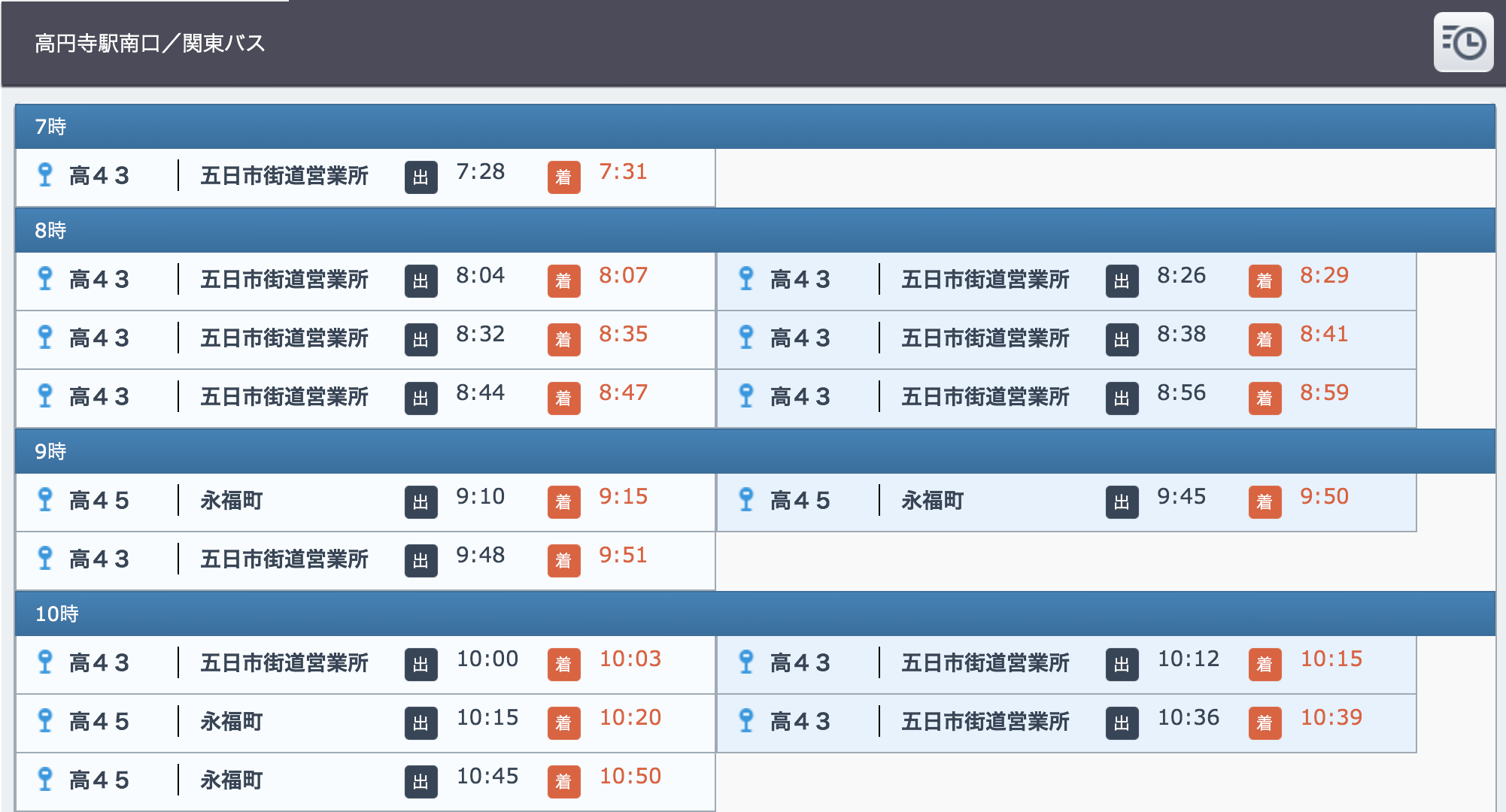
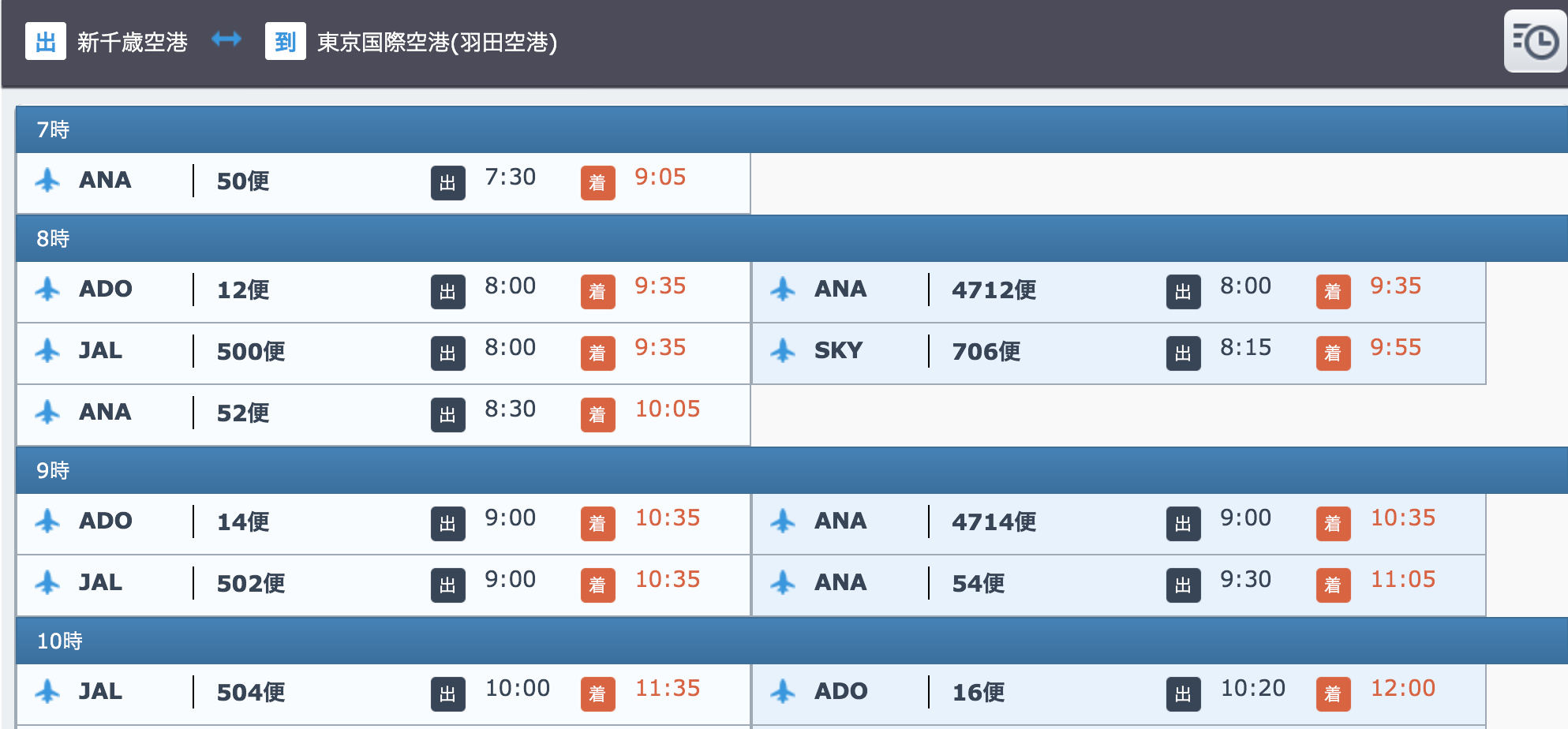
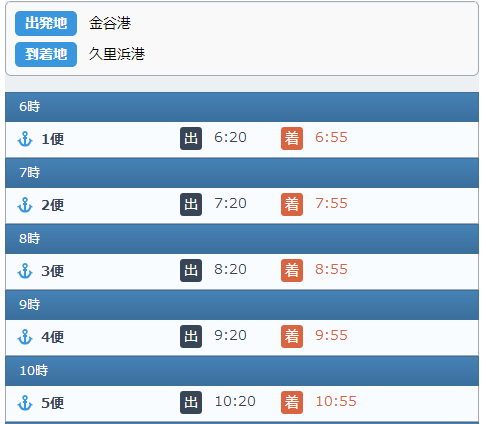
画面サンプル(PC)
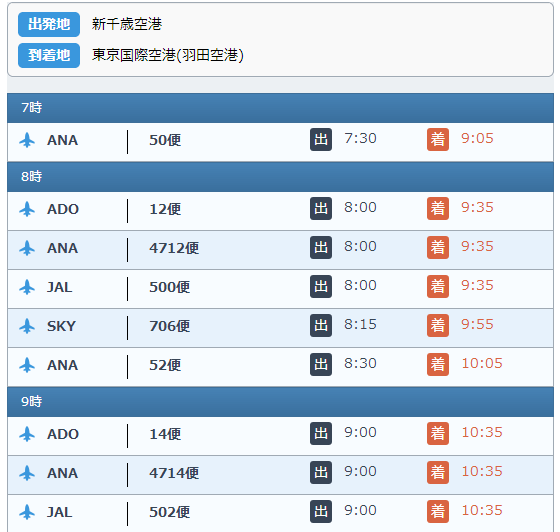
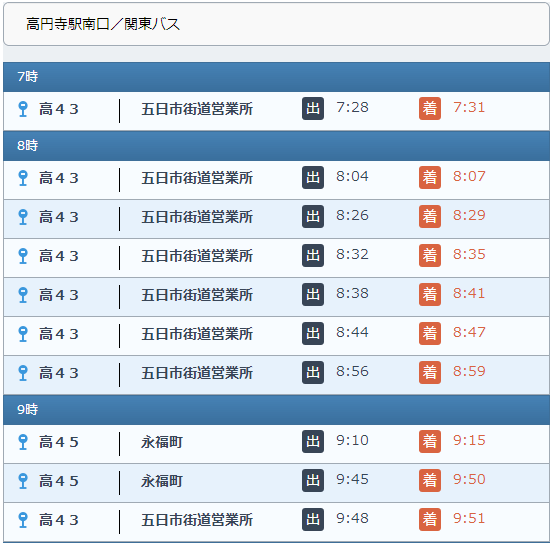
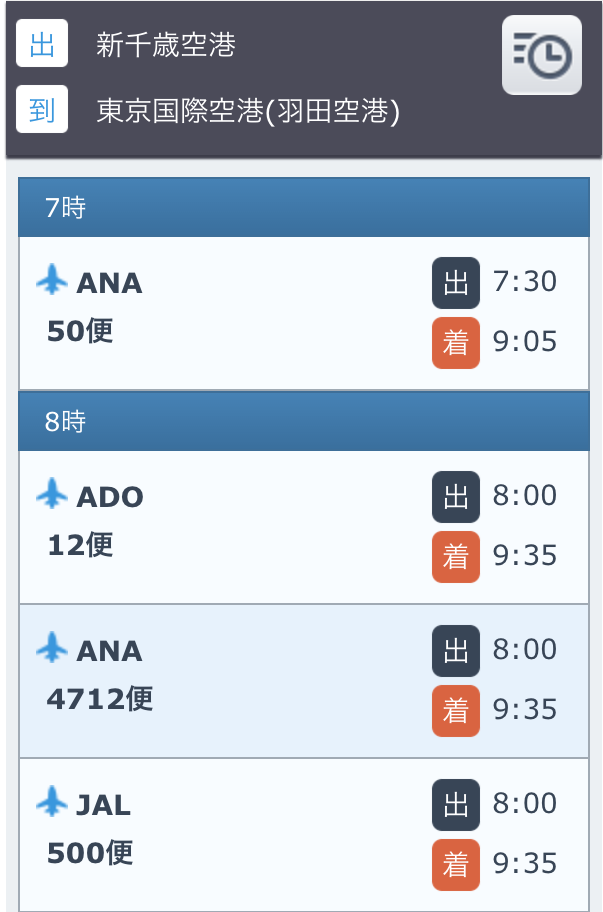
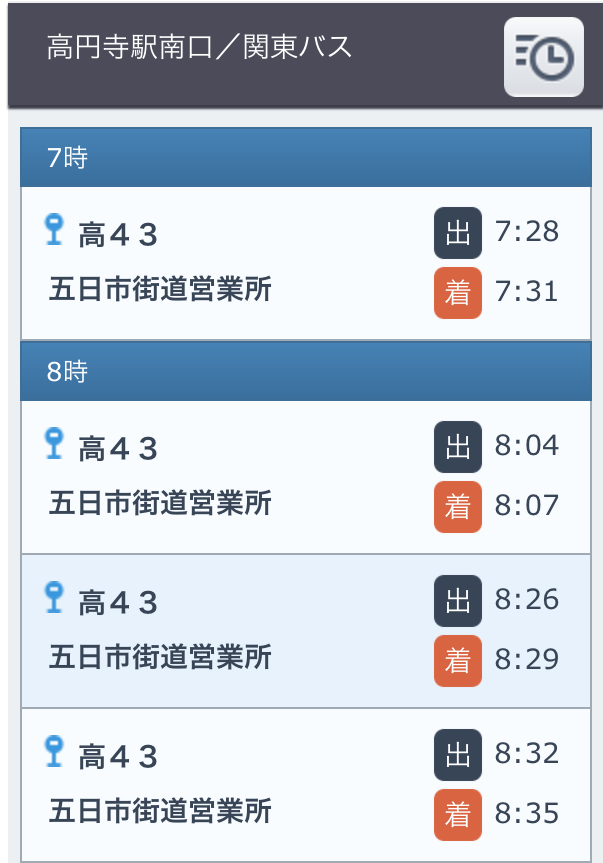
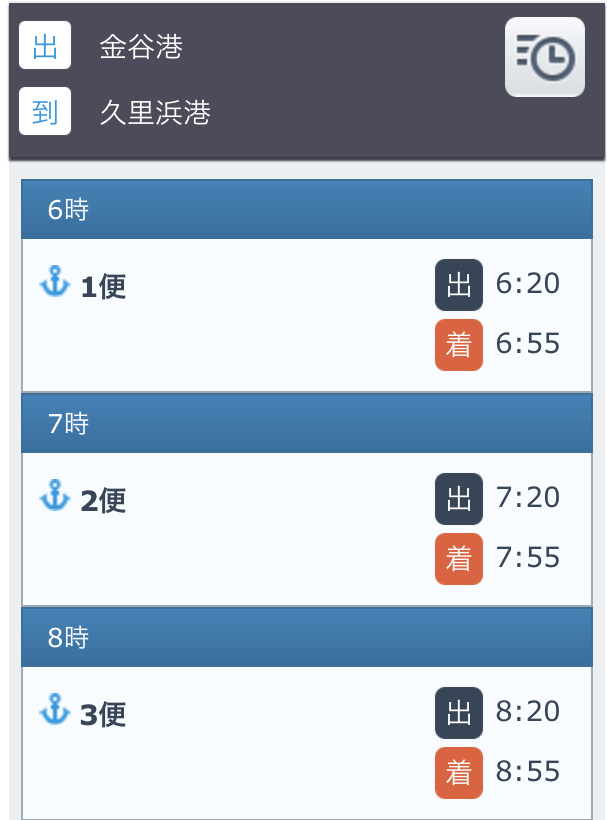
画面サンプル(スマートフォン)
画面サンプル(タブレット)